
AI agents for video editing are no longer just a demo. Some of SnapStream’s newest, busiest users aren’t people. They’re AI agents.
An advocacy and marketing agency bought a six-channel SnapStream system this summer to monitor news and make clips for their clients. Their head of creative took one look at the workload and handed the keys to his AI agent.
“Claude is basically our junior editor,” he told us.
How an AI agent edits video with SnapStream
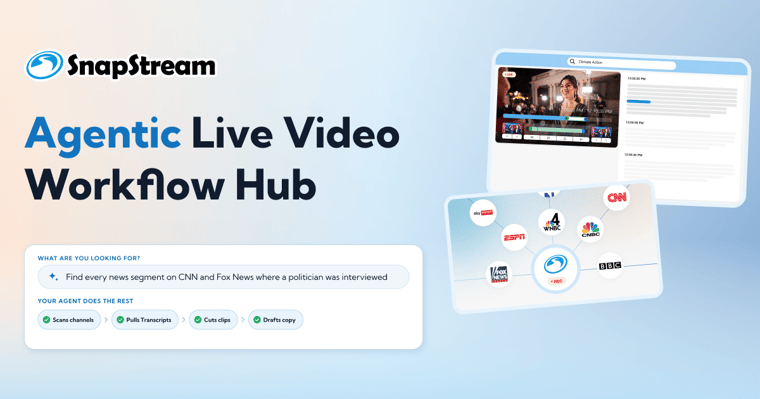
Here’s how it works. SnapStream opens in a browser tab, and the agent runs alongside it. It searches transcripts, sets clip points, and downloads clips, just like a person would.
We saw it live on a check-in call. He asked the agent to make a vertical video, and we watched it find Create for Social, build the video, and add a title card and captions on its own. It was pretty fun to watch.
“I can just send Claude off to do it so I can focus on other things.”
He says the agent turns an editor’s “couple hours” into minutes, which means a small team can take on more clients. He even had it suggest search terms for his SnapStream alerts.
He’s not the only one
A policy organization has a Hermes agent running on a dedicated machine.
“It watches our recordings for the topics our team tracks, searches transcripts and pulls clips for us,” they told us.
Why it matters
It turns out the things that make SnapStream easy for people (clean recordings, accurate transcripts and a simple interface) are exactly what AI agents need too.
Want to see how SnapStream records, searches and clips live TV?

If you're a current customer and want to learn more, reach out to your customer success manager.