Trusted by Broadcast TV Newsrooms & production teams
It Aired. Now Someone Has to Find It.
Recordings sit on aging DVRs and screen recorders that nobody can search
Producers and writers scrub through hours of recordings to find one soundbite
By the time the clip reaches the edit bay or social media, the moment has passed and the world has moved on
Stop Scrubbing Through Hours Of Recordings For That Key Soundbite
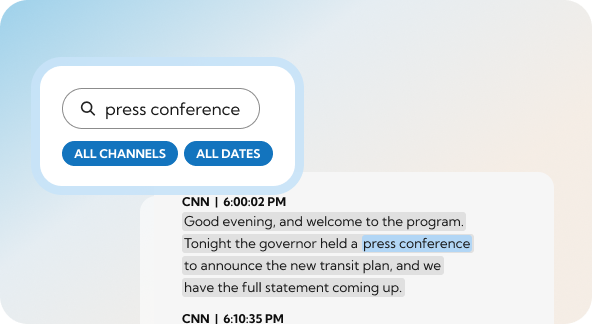
SnapStream records the linear TV broadcast from your satellite/cable provider as well as streaming sources (OTT). Every show is searchable by the closed captions, giving your team access to a single cloud system to replace DVRs and manual screen capture, with no seat limits.
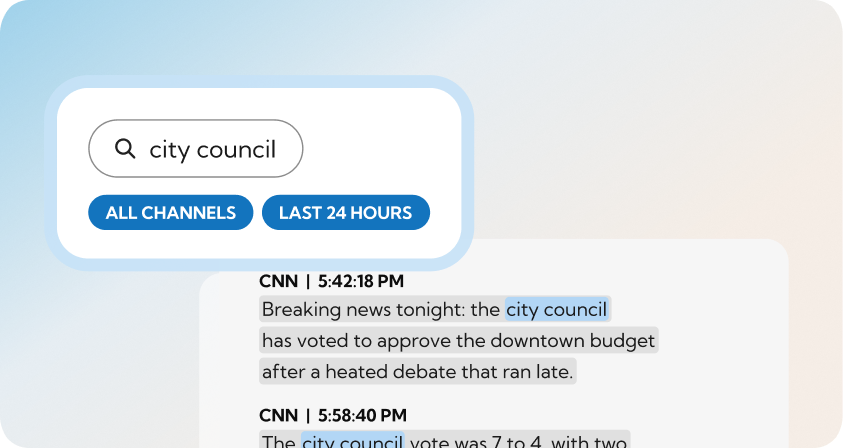
Search every word across broadcast, cable, and streaming (OTT)
Keyword alerts for names, shows and stories
HD recordings with no seat limits
Clips Land in Avid For Rebroadcast
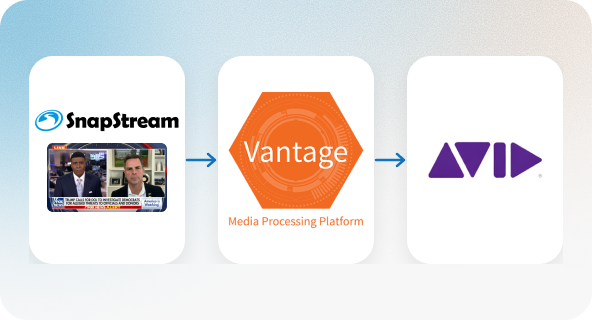
Producers find & clip the moment in SnapStream and automatically export to a Telestream Vantage watch folder for transcoding and ingest into Avid.
Search & clip by keyword
H.264 (.mp4) exports from SnapStream
Auto trigger a Vantage/Avid workflow
Share To Social Media
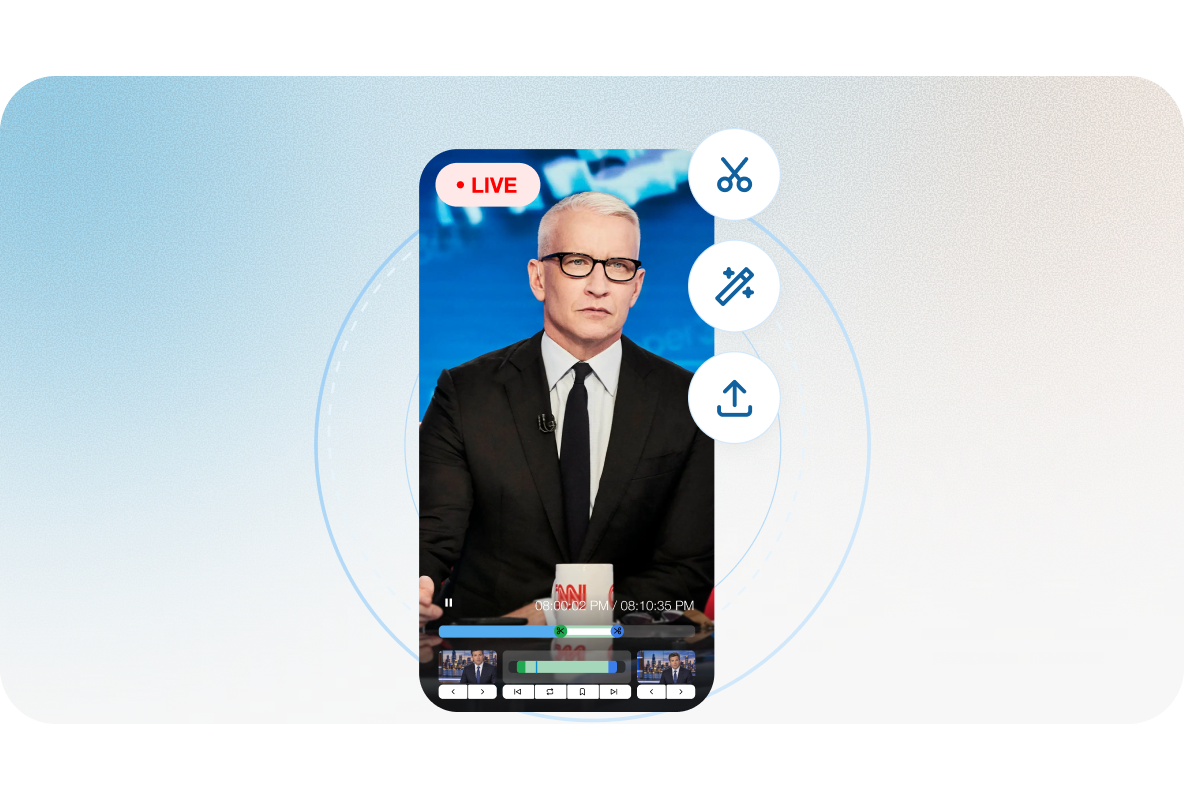
Digital & Social teams can publish directly to social media while the story is live. Or send clips directly to your cloud storage, Slack, etc. Our new 'Create for Social' feature auto-crops to vertical and adds stylized caption overlays to produce social-ready video with the click of a button.
Publish to X, Facebook, Bluesky and YouTube
Send to Amazon S3, shared storage and Slack
Create for Social: vertical crop with stylized captions
Your Games Delivered Automatically
Tell us where your files should go, and SnapStream sets it up. Each game is sent there without anyone on your team having to download or move files.
We configure your destination for you
Optional email or Slack notification when each file arrives
Request sample files or a proof of concept before scaling
How It Works
Choose the channels and streaming sources you want to capture
Search transcripts, set keyword alerts, and clip the moment
Share to Social Media or kick off your workflow by sending to Telestream's Vantage transcode farm and then onto Avid
Want Something Different?
Tell us what you need and we will build a tailored solution around it.
Why do TV newsrooms and production teams use SnapStream?+
Newsrooms rely on SnapStream to quickly find moments that aired without scrubbing hours of recordings. SnapStream records the TV broadcasts and streaming sources you choose, makes every feed searchable, and allows you to send clips to Avid, Social Media, cloud storage, or Slack.
What does SnapStream replace?+
Most teams replace DVRs (or other antiquated storage solutions) and desktop screen recording setups that cannot be searched or shared. SnapStream captures every recording in one searchable cloud system.
Does SnapStream charge per user?+
No. SnapStream has no seat limits, so producers, writers, editors, and social teams can all work from the same system without incurring additional costs.
How can a TV newsroom find and clip a moment from live TV?+
SnapStream records from your TV source (hosted by us in our data center) so you can watch live TV without any limitations. Just search by keyword and create your clip, in real-time.
Does SnapStream work with Vantage + Avid?+
Yes. SnapStream can integrate into your current Avid workflow. Producers clip the moment in SnapStream and export it as H.264 video to a Vantage Telestream watch folder for transcoding before ingest into Avid.
What about user training?+
SnapStream offers unlimited free personal training. Just let us know and we will schedule bespoke training sessions with each of your teams.
See SnapStream In Action?
Book a quick call with us to see if this might be a fit for your team.