








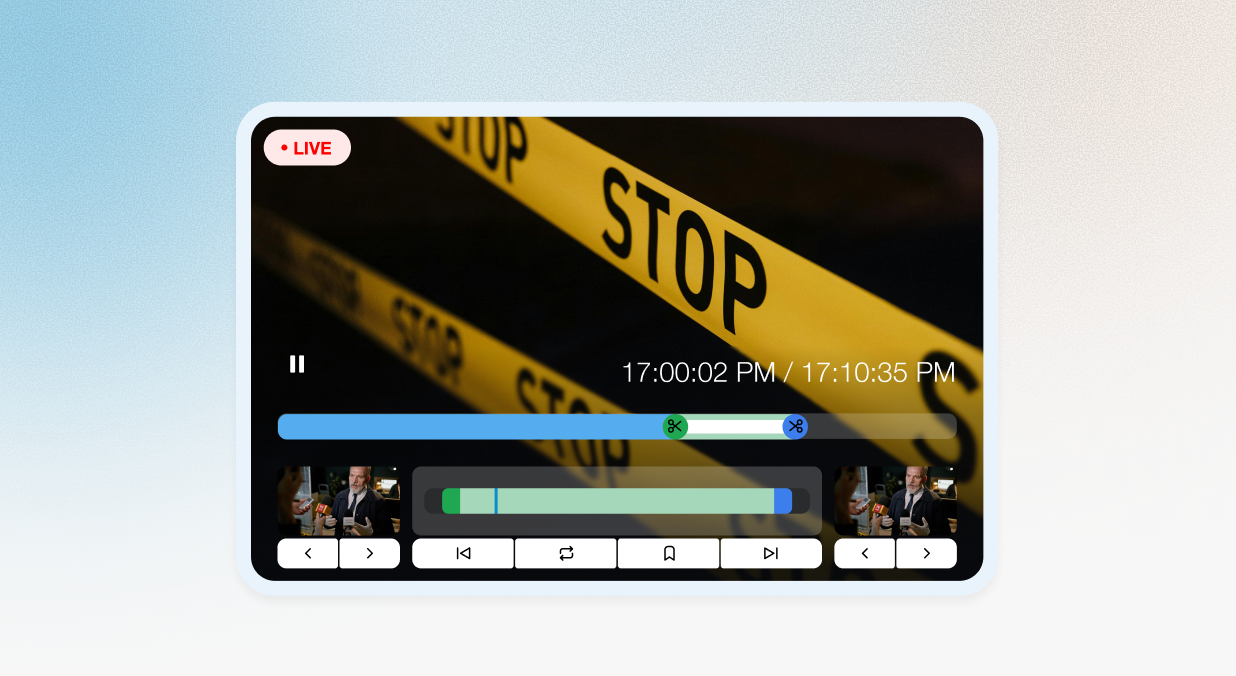
Track Coverage Across All Relevant Channels
Ensure you never miss a mention of your organization, issue, or spokesperson.
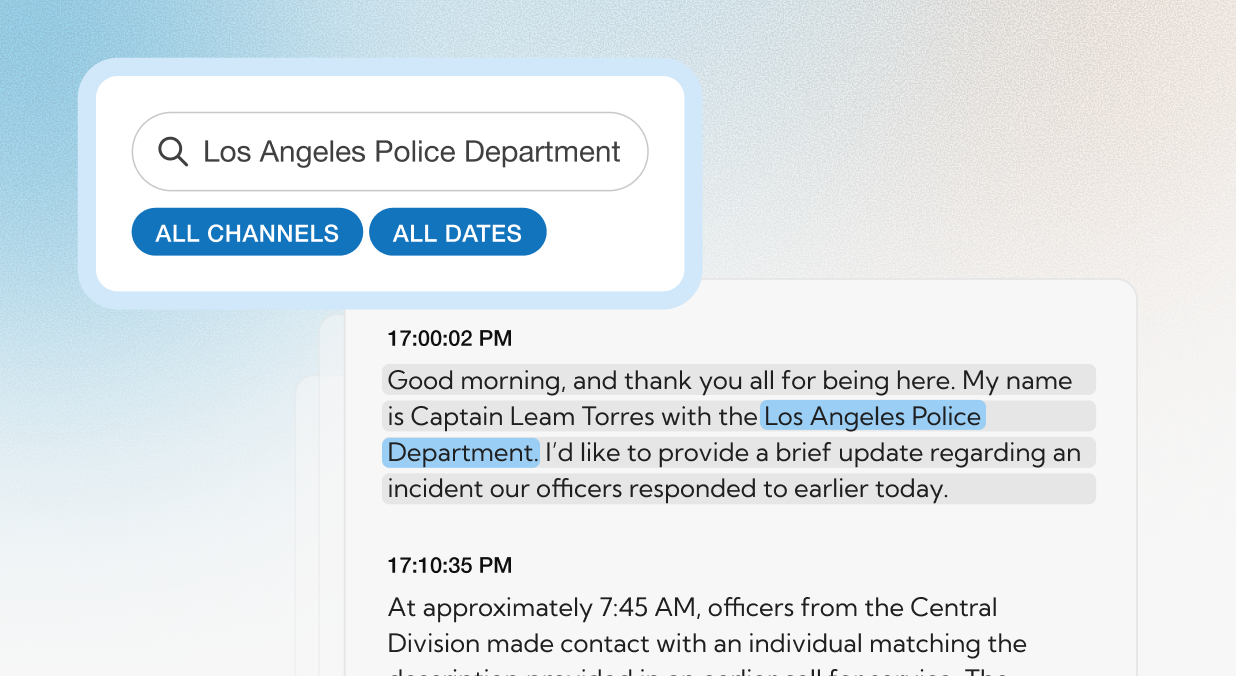
Surface Key Moments Instantly
Search transcripts for lawmakers, agencies, programs, or keywords.
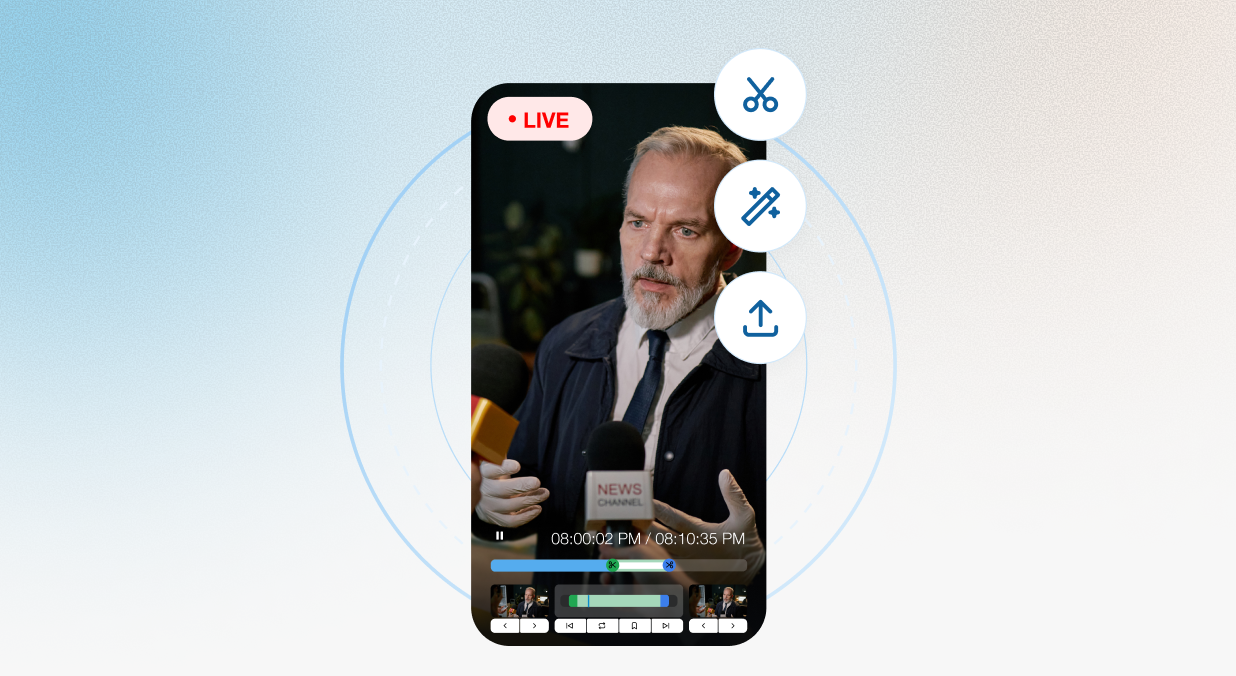
Clip & Distribute Within Seconds
Ensure you never miss a mention of your organization, issue, or spokesperson.
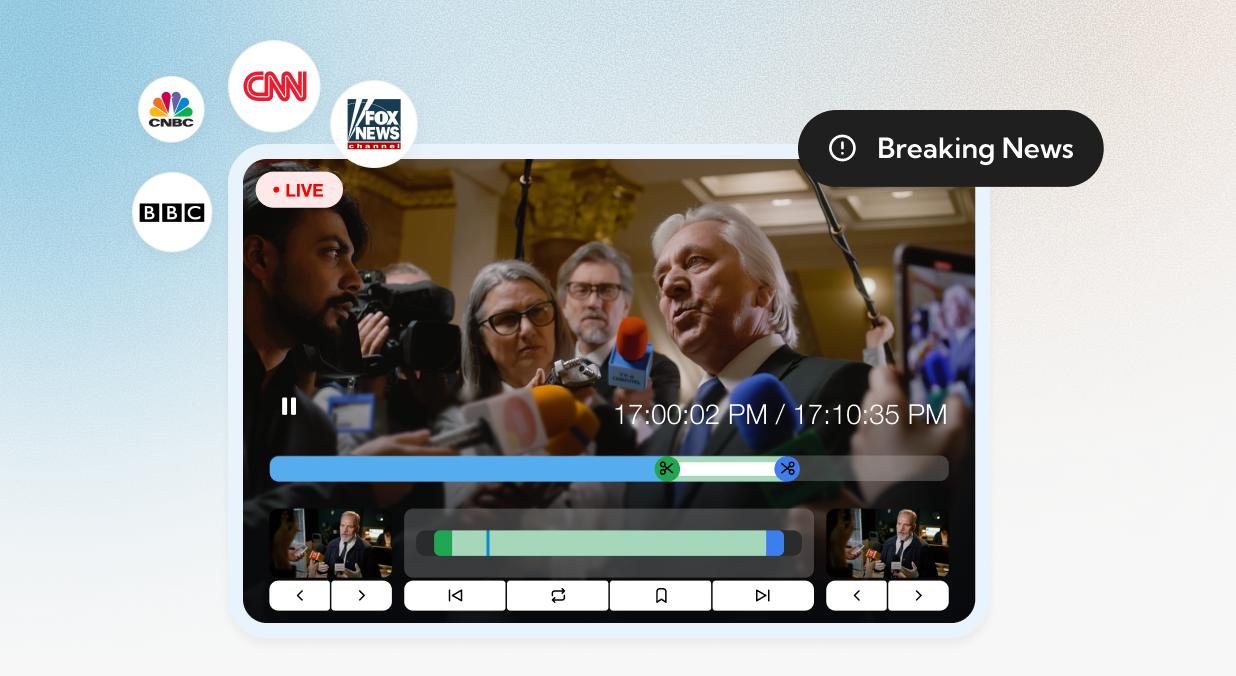
Support Real-Time Narratives
Prepare talking points or responses while coverage is still unfolding.


Build Archives for Long-Term Monitoring
Keep a record of all relevant coverage for policy support and reporting.
 Rapid response war rooms
 Press briefing monitoring
 Legislative and committee coverage
 Issue advocacy
 Executive media prep
 Stakeholder communications
.png "work overview")
.svg "respond_faster")

.png?width=408&height=474&name=IMG%20(27).png)
“True Live Coverage Offers Pushback Before the Narrative Even Develops”
From monitoring millions of hours of live broadcast to generating billions of clip views, Media Matters for America leverages SnapStream to rapidly surface, clip and distribute broadcast content that drives public awareness, shapes media narratives and fuels actionable research.


“I've Been Able to Effectively Cover Events on my Mobile Phone”
Aaron Rupar grew his Twitter following from 5k to 900k using SnapStream to make videos that have collectively been viewed more than 4 billion times. He harnesses the power of moments to drive traffic to his subscription newsletter, Public Notice.

.png)
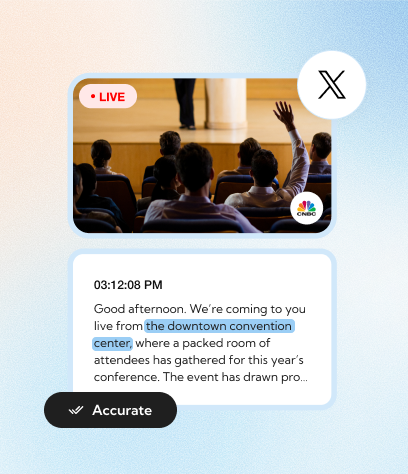
"What I Tweet Is an Accurate Representation of What Was Said and the Video Helps Confirm It."
Acyn Torabi, now Senior Digital Editor with MeidasTouch Network, is the enigmatic video clipper who brute-forced his way to an enormous online following and a new career path. How? By relentlessly posting video clip after video clip from his phone and, later, by using SnapStream to help him go pro.


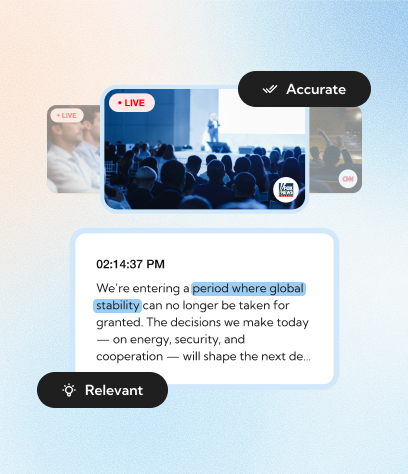
“SnapStream Enables Us to Have Relevant Clips and Provide Accurate Transcripts”
The Media Research Center monitors media through a conservative lens, gathering qualitative and quantitative evidence of liberal bias. Curtis Houck, managing editor at NewsBusters, uses SnapStream—along with his entire team—to index and export closed captions as transcripts for publication, combined with engaging clips and commentary on social media.

“Almost everything that everybody knows about Fox News in popular culture is defined through Media Matters using SnapStream."

“Having the auto-transcription is really, really useful. That’s a big feature. It allows us to do things faster than we would have been able to do them before. SnapStream is also user friendly, so it’s easy to train people on it. Not everyone knows how to edit videos, and then it takes hours to upload and download. Being able to do things in real time is really amazing."
.png)
"There have been times where I've been able to effectively cover events on my mobile phone thanks to SnapStream”
.png)
Give your communications
team the speed advantage.